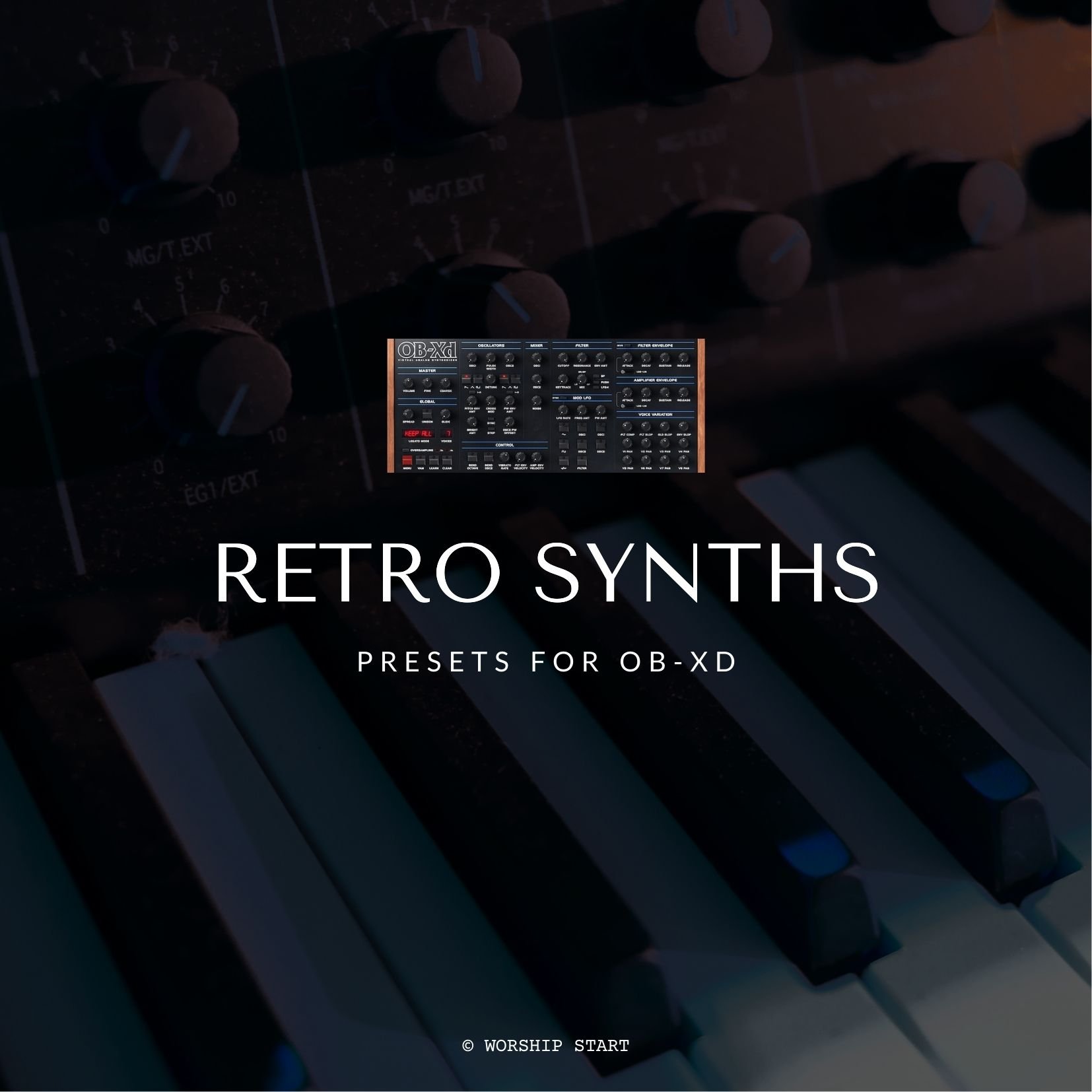
XD EP

$2.00

Requires OB-Xd 3.4+
<!DOCTYPE html> <html> <head> <style> /* Set the background color to #f2f2f2 */ audio { background-color: #f2f2f2; border-radius: 9px; width: 100%; padding: 10px; margin: 0 0 5px; /* Reduced margin */ } .button-container { display: flex; justify-content: space-between; align-items: center; margin-top: 5px; /* Reduced margin */ margin-bottom: 10px; } /* Custom styling for the "Add to Cart" button */ .sqs-add-to-cart-button, .custom-button { background-color: transparent; width: calc(50% - 5px) !important; /* Make the button fill 50% of the width */ padding: 10px !important; /* Add padding to the button */ margin: 0 !important; /* Remove default margin */ font-size: 14px !important; /* Set button text size to 14px */ text-align: center; /* Align button text to the center */ display: flex; align-items: center; justify-content: center; position: relative; height: calc(100% - 20px); /* Match height with custom button */ border-radius: 15px; /* Apply border radius */ } .sqs-add-to-cart-button-inner, .custom-button { width: 100% !important; white-space: nowrap !important; /* Prevent the text from wrapping */ } .sqs-add-to-cart-button { margin-right: 5px !important; margin-top: -17px !important; } /* New button with background color #f2f2f2 */ .custom-button { background-color: #f2f2f2; /* Set background color */ width: calc(50% - 5px) !important; height: calc(100% - 22px); /* Make the button height the same as audio player */ margin-top: -17px !important; font-size: 14px !important; border-radius: 9px !important; } </style> </head> <body> <audio controls controlsList="nodownload noplaybackrate" preload="none"> <source src="https://static1.squarespace.com/static/5e4b41568ae6b644169bed5a/t/665f3a51db70c428d4d1191f/1673967479591/XD+EP+Audio+Sample.mp3/original/XD+EP+Audio+Sample.mp3" type="audio/mpeg"> Your browser does not support the audio element. </audio> <div class="button-container"> <div class="sqs-add-to-cart-button sqs-suppress-edit-mode sqs-button-element--primary" role="button" tabindex="0" data-dynamic-strings="" data-collection-id="665df730c2ef921f56e98762" data-item-id="665f3a51db70c428d4d11927" data-product-type="2" data-use-custom-label="false" data-original-label="Add To Cart" id="yui_3_17_2_1_1717785386818_693"> <div class="sqs-add-to-cart-button-inner">Add To Cart</div> </div> <a class="custom-button" href="https://worshipstart.memberspace.com/content/fa697231243">Download</a> <!-- Replace YOUR_URL_HERE with the actual URL --> </div> <div class="audio-title"></div> <!-- Title displayed on the player interface --> </body> </html>

Requires OB-Xd 3.4+
<!DOCTYPE html> <html> <head> <style> /* Set the background color to #f2f2f2 */ audio { background-color: #f2f2f2; border-radius: 9px; width: 100%; padding: 10px; margin: 0 0 5px; /* Reduced margin */ } .button-container { display: flex; justify-content: space-between; align-items: center; margin-top: 5px; /* Reduced margin */ margin-bottom: 10px; } /* Custom styling for the "Add to Cart" button */ .sqs-add-to-cart-button, .custom-button { background-color: transparent; width: calc(50% - 5px) !important; /* Make the button fill 50% of the width */ padding: 10px !important; /* Add padding to the button */ margin: 0 !important; /* Remove default margin */ font-size: 14px !important; /* Set button text size to 14px */ text-align: center; /* Align button text to the center */ display: flex; align-items: center; justify-content: center; position: relative; height: calc(100% - 20px); /* Match height with custom button */ border-radius: 15px; /* Apply border radius */ } .sqs-add-to-cart-button-inner, .custom-button { width: 100% !important; white-space: nowrap !important; /* Prevent the text from wrapping */ } .sqs-add-to-cart-button { margin-right: 5px !important; margin-top: -17px !important; } /* New button with background color #f2f2f2 */ .custom-button { background-color: #f2f2f2; /* Set background color */ width: calc(50% - 5px) !important; height: calc(100% - 22px); /* Make the button height the same as audio player */ margin-top: -17px !important; font-size: 14px !important; border-radius: 9px !important; } </style> </head> <body> <audio controls controlsList="nodownload noplaybackrate" preload="none"> <source src="https://static1.squarespace.com/static/5e4b41568ae6b644169bed5a/t/665f3a51db70c428d4d1191f/1673967479591/XD+EP+Audio+Sample.mp3/original/XD+EP+Audio+Sample.mp3" type="audio/mpeg"> Your browser does not support the audio element. </audio> <div class="button-container"> <div class="sqs-add-to-cart-button sqs-suppress-edit-mode sqs-button-element--primary" role="button" tabindex="0" data-dynamic-strings="" data-collection-id="665df730c2ef921f56e98762" data-item-id="665f3a51db70c428d4d11927" data-product-type="2" data-use-custom-label="false" data-original-label="Add To Cart" id="yui_3_17_2_1_1717785386818_693"> <div class="sqs-add-to-cart-button-inner">Add To Cart</div> </div> <a class="custom-button" href="https://worshipstart.memberspace.com/content/fa697231243">Download</a> <!-- Replace YOUR_URL_HERE with the actual URL --> </div> <div class="audio-title"></div> <!-- Title displayed on the player interface --> </body> </html>

What You Get:

  • OB-Xd patch and effects chain designed in MainStage 3 and Logic Pro X. Note: This preset is also compatible in any commercial DAW via direct import into OB-Xd (without effects applied)

  • Patch files for easy import into Worship Keys for use in Patch Combiner +

  • Channel strip files (.cst) for easy import into Logic Pro X or any other MainStage template

  • Preset files (.fxp) for direct import into any other DAW (without effects plugins applied)

  • Installation instructions and help links

XD EP
Vintage Synths Collection for OB-Xd


Requirements:


Get Creative with Worship Keys

Worship Keys is our MainStage template for keys players. Packed with hundreds of studio-quality sounds and incredible live performance tools, this template is easy to use for keys players at any level and instantly gets you sounding your best. It features tools like our Latch Pad Player, Live Arps Player, Drum Loop Player, Song-specific worship patches, and also a Smart Transpose feature where you can effortlessly change the key you’re playing in and hearing in separately. Take the guesswork out of playing keys and get all the best sounds right out of the box.